
How AI listing texts work: schedules, replies, opt-outs and results
What happens behind every automated text: the daily search, how the AI writes in your voice, reply keywords, opt-outs and where to see results.
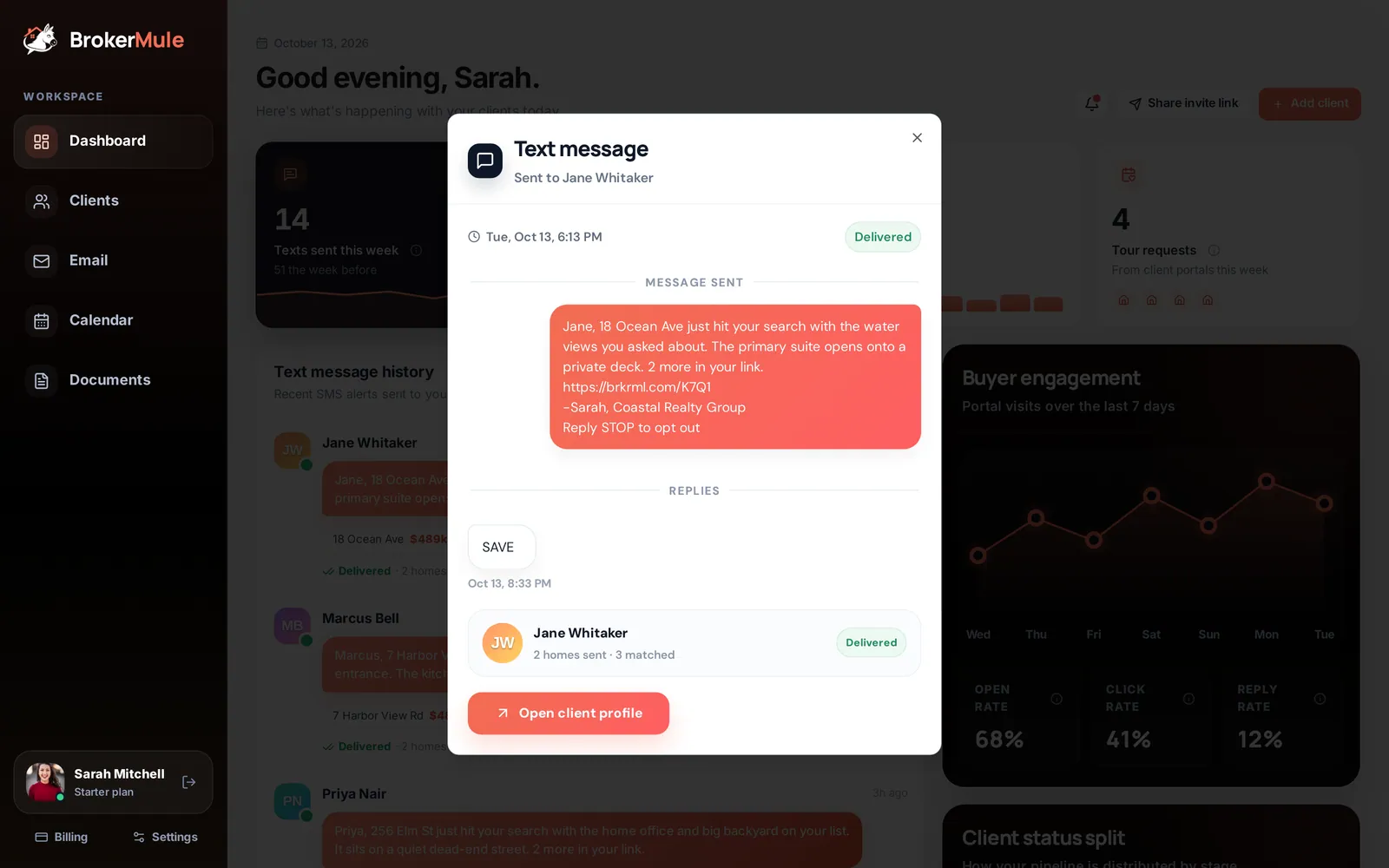
Automated listing texts are the heart of BrokerMule. Instead of a generic MLS alert with ten links, each active buyer gets one short, personal text about the home that best fits what they told you, plus a link to their portal with the other new matches. This guide explains exactly how it works.
When texts go out
Each active client has two settings, chosen when you add them and editable on their client page:
- Text delivery time – the hour the text arrives, in Eastern Time.
- Text frequency – Every weekday (Mon–Fri) or Once a week (Mondays).
No texts go out on weekends, and clients only get texts while their status is Active.
What happens each time
- BrokerMule runs their search. It looks for homes for sale that match the client's ZIP code and radius, price range, minimum beds and baths, and property type.
- It removes anything they've already seen. Every home ever sent to a client is remembered, so they never get the same house twice.
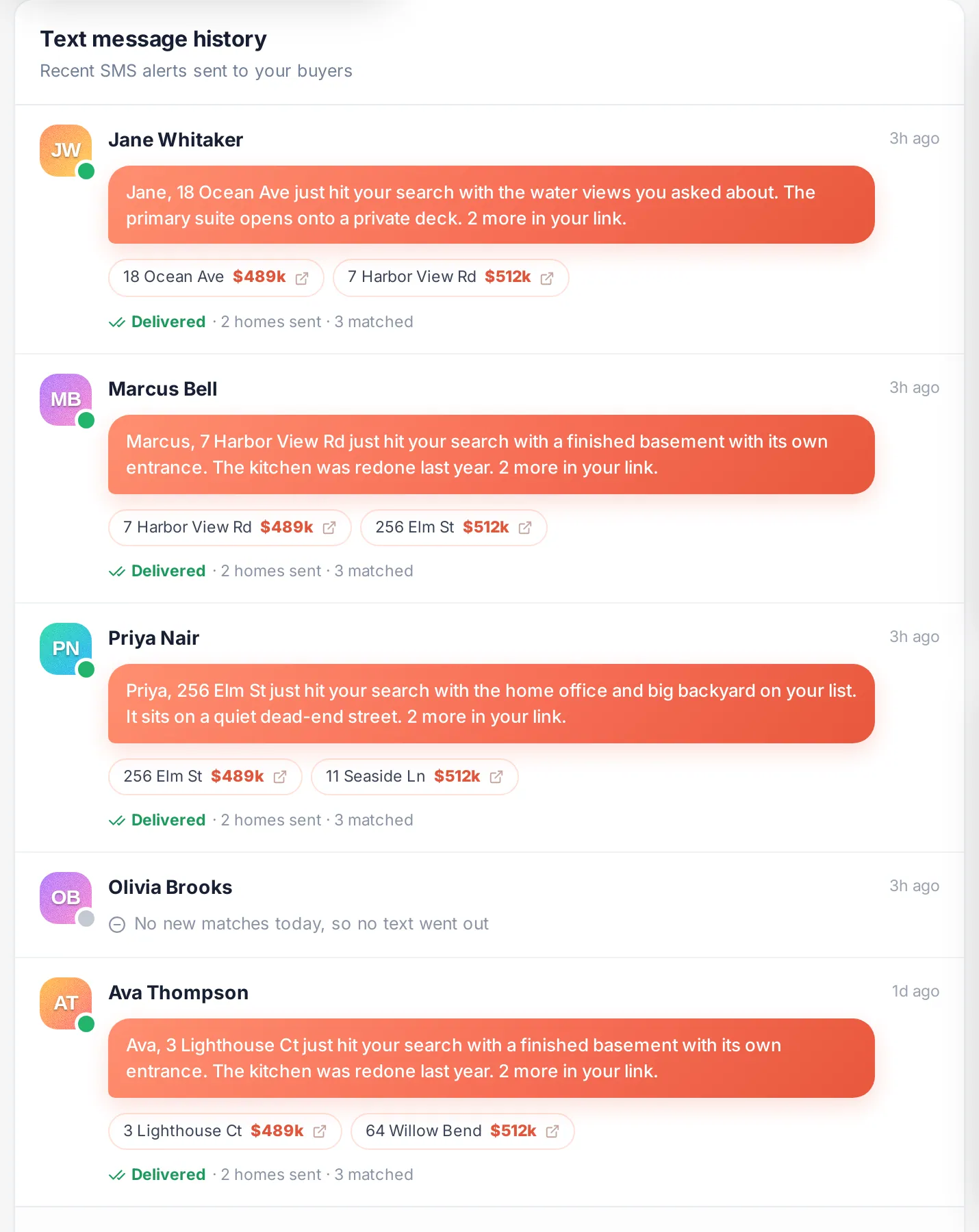
- If nothing new matched, no text is sent. The day shows as "No new matches today, so no text went out" in your text history. Buyers don't get filler, which keeps them trusting your texts.
- It picks the best home. New matches are ranked against the buyer's must-haves (pool, fenced yard, garage and so on), and the best fit becomes the featured home.
- The AI writes the text. It names the featured home and the features the buyer cares about, mentions how many more homes are waiting in their link, and keeps it to a couple of plain sentences.
- Up to three new homes are added to their portal, with photos, price, beds, baths and details.
- The text is sent with their portal link, your name and brokerage, and an opt-out line.
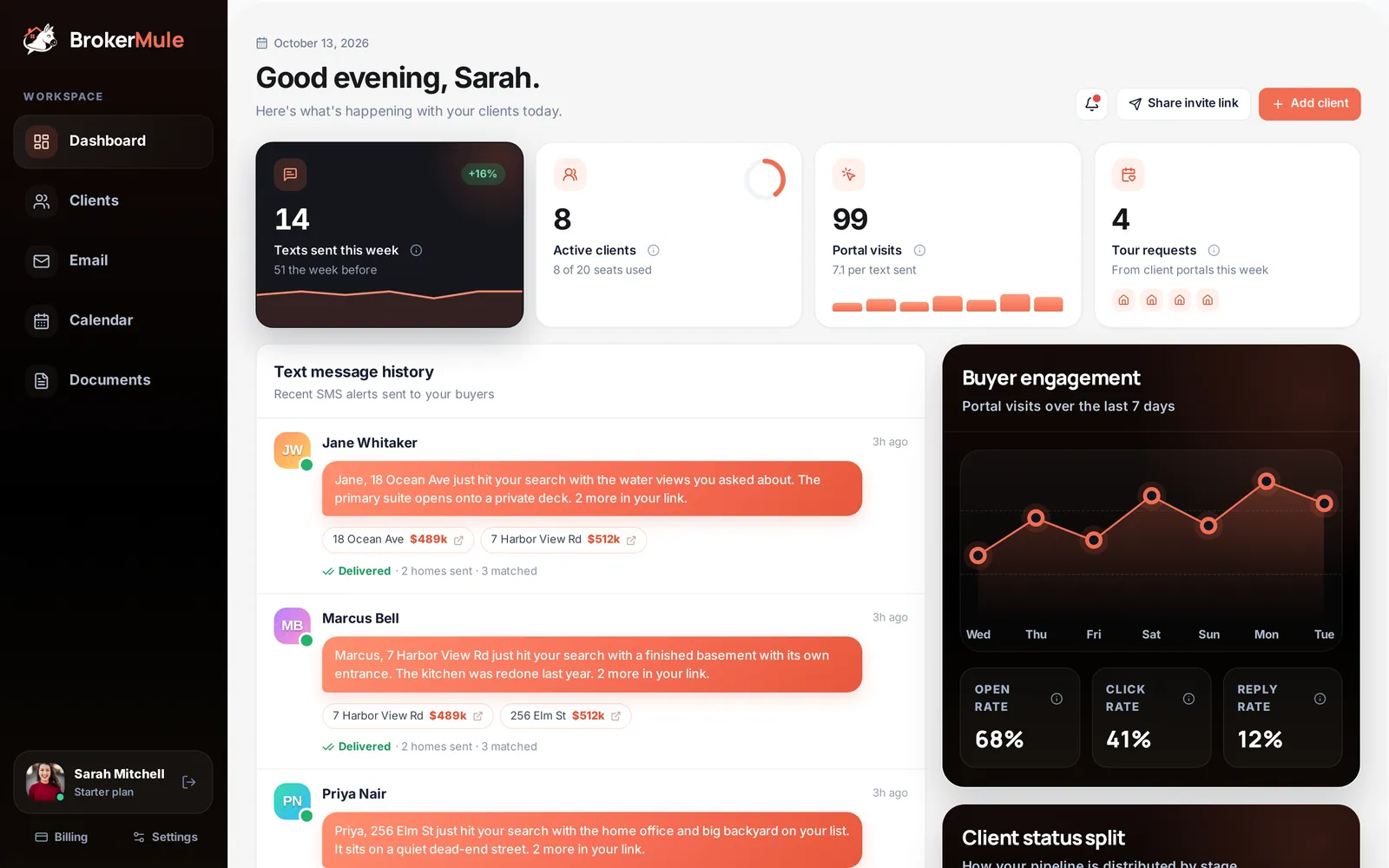
Here's what a typical text looks like:
How the AI personalizes each message
The AI isn't writing from a template. Before every text it looks at:
- the buyer's must-haves and wants from their profile, in their own words
- their recent feedback on homes in the portal ("too close to the main road")
- their recent text replies
- the last few texts it sent them, so it doesn't repeat itself
So if a buyer told you they hate busy roads, the next text won't lead with a house on one. Texts never oversell beds, baths or square footage as "features," and they skip clichés, emojis and special characters that cost more to send.
The welcome text
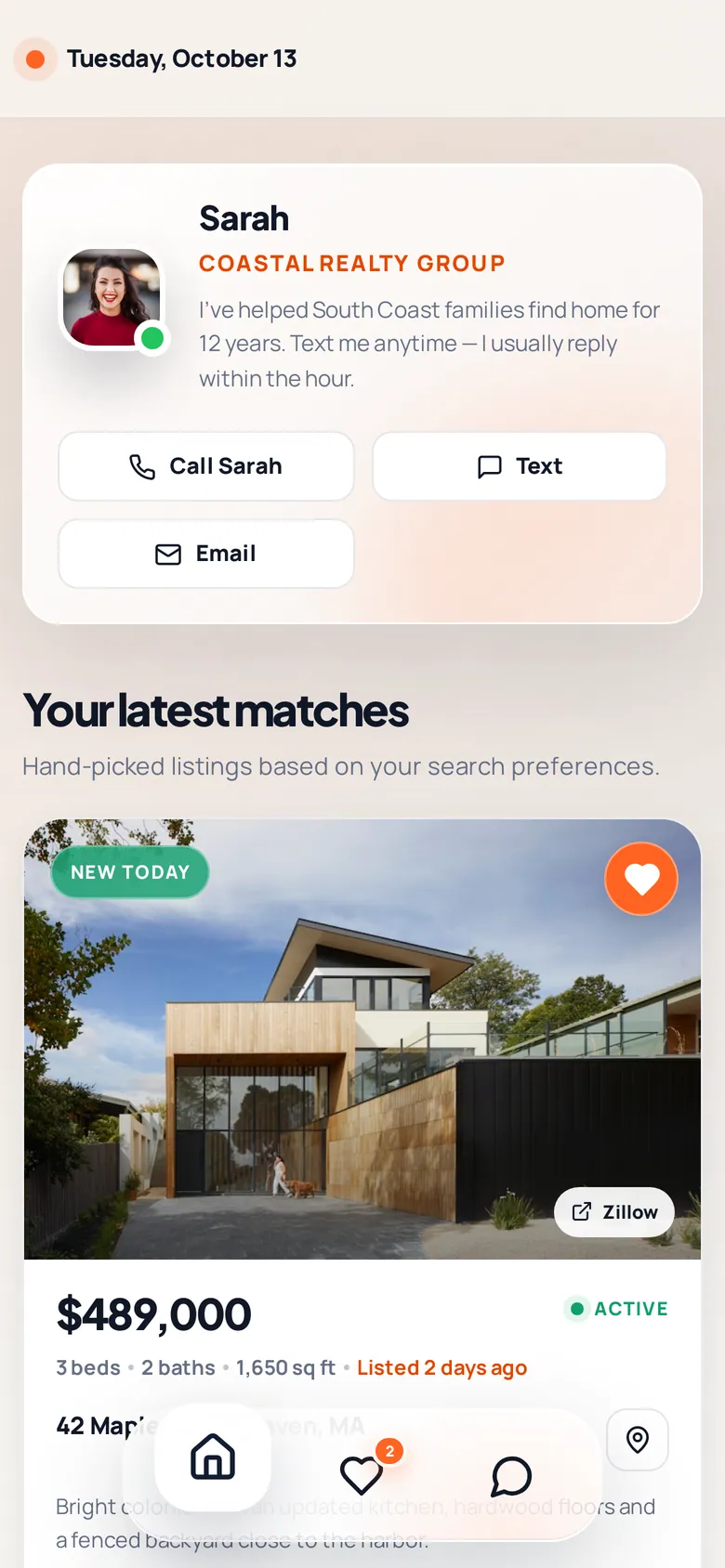
When a client is first activated (or signs up through your invite link), they get a one-time welcome text from you:
Reply keywords
Buyers can reply to any listing text. BrokerMule understands these words (the first word of the reply counts, and capitalization doesn't matter):
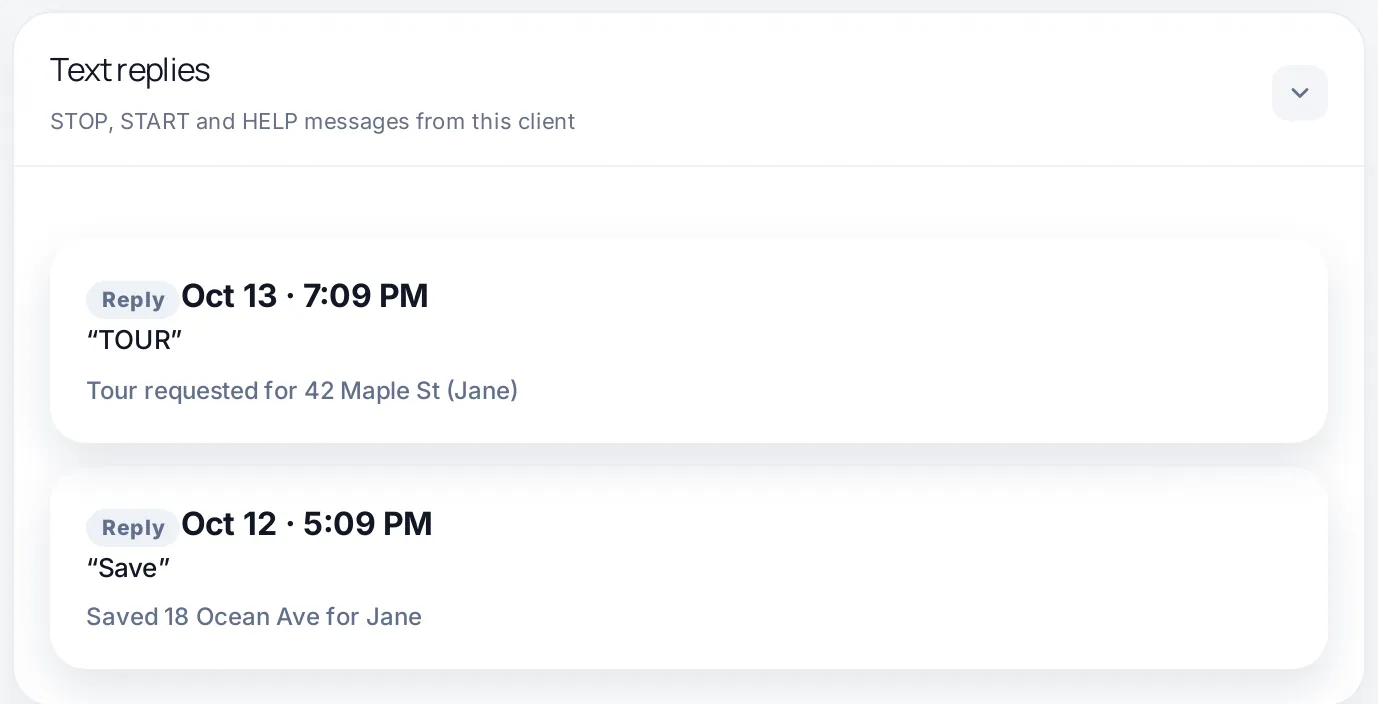
- SAVE (or SAVED, LIKE, HEART, BOOKMARK) – saves the featured home to their favorites. They get a confirmation, and it shows under Saved homes on their client page.
- TOUR (or SHOW, SHOWING, VISIT) – requests a tour of the featured home. You're notified, it appears in Homes clients want to see on your dashboard, and they're told you'll reach out.
- STOP (or STOPALL, UNSUBSCRIBE, CANCEL, END, QUIT) – opts them out of all texts.
- START (or UNSTOP, YES) – opts them back in after a STOP.
- HELP (or INFO) – sends a short help message explaining the alerts and how to stop them.
Every reply is logged under Text replies on the client's page, along with what BrokerMule did with it.
Opt-outs
When a buyer replies STOP, they're marked Opted out: their texts stop immediately and you can't reactivate them from BrokerMule. They have to reply START themselves. This protects you and your phone reputation, and it's required by carrier rules. Read more in our real estate SMS compliance guide.
Seeing results
- Dashboard → Text message history shows every text, what it included and whether it was delivered. Click one to read it and see replies.
- Dashboard → Buyer engagement shows portal visits after your texts, plus open, click and reply rates.
- Client page → Recent texts sent and History show the timeline for one buyer.
Wondering how often to text buyers in the first place? Read how often a realtor should text a buyer.
Frequently asked questions
How many homes does each text include?
Each text features one home by name and links to the buyer’s portal, where up to three new matching homes are added each time.
What if no new homes match a buyer’s search?
No text is sent that day. BrokerMule never re-sends homes a buyer has already received.
Can buyers reply to texts?
Yes. SAVE saves the featured home, TOUR requests a showing, STOP opts out, START opts back in and HELP sends help info. Every reply is logged on the client’s page.
Do texts go out on weekends?
No. Daily texts go out Monday to Friday, and weekly texts go out on Mondays, at the delivery time you choose in Eastern Time.
Who is the text from?
Texts are signed with your first name and brokerage, so buyers know the alerts come from you.
Related guides
From the blog
All articles Lead follow-upHow to Follow Up With Real Estate Leads: A 30-Day Plan That Gets Replies
A day-by-day plan for the first 30 days with a new buyer lead: what to send, when, and on which channel.
 Lead follow-upReal Estate Lead Nurturing: How to Stay Top of Mind With Buyers Who Aren’t Ready Yet
A simple system for buyers who are months away: what to send at each stage and how to spot when they’re ready.
 CRM & texting30 Real Estate Text Message Templates That Sound Like a Real Person
30 copy-and-paste real estate text templates for new leads, active buyers, listing matches, showings, re-engagement and past clients — plus how to make them not sound templated.